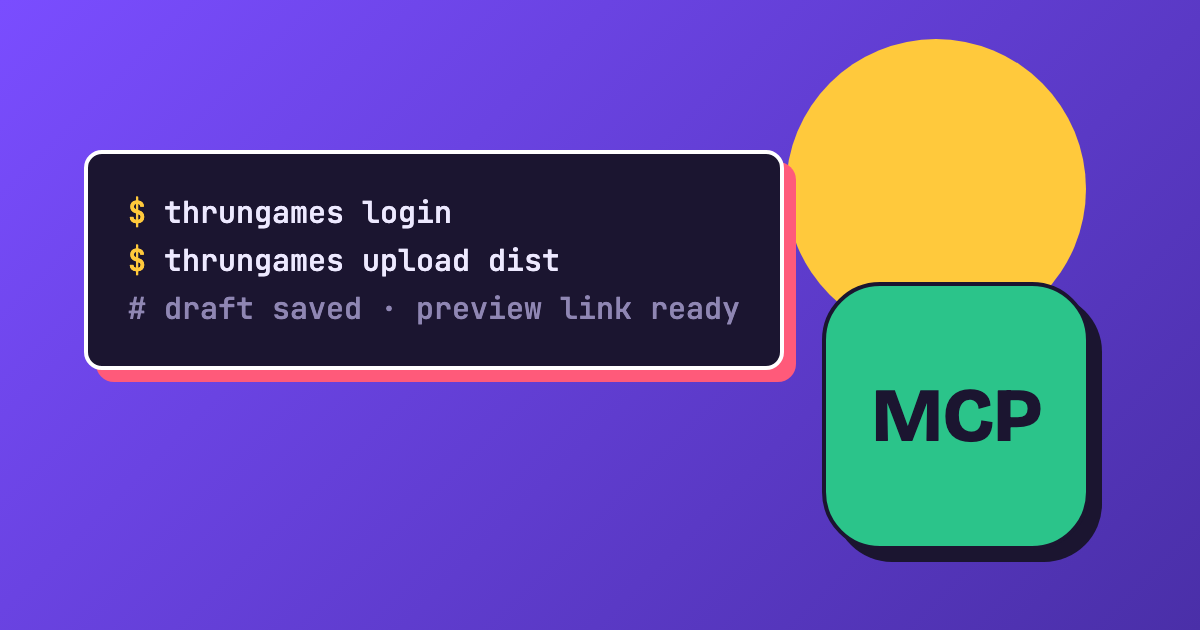
Until now, putting a new version of your game on Thrungames meant zipping it up and clicking through the upload form. That's fine the first time. By the tenth bug fix it gets old. So today there are two new ways to do it: the Thrungames CLI and the Thrungames MCP server.
Why a CLI
Thrungames never builds your game. You build it however you like, with Thrunium, a bundler or a folder of plain HTML, and then you need to get the result onto the site. Instead of hooking into every git host out there, there's now one upload path that works from any computer and any CI.
The CLI
Install it with Homebrew:
brew install infobits-io/tap/thrungames
There's also an install script for macOS, Linux and Windows, a Docker image, and plain downloads on the CLI page.
Then sign in once in your browser and upload your build folder:
thrungames login
thrungames upload dist
Every upload lands as a draft with a preview link, so you can play it before anyone else sees it. When you're happy, send it to review with thrungames versions submit, or add --submit to the upload to do both at once.
If you put a game.json next to your build with the game's name, version and size, the CLI picks them up for you.
Uploading from CI
Create an upload token for your game, save it as a secret, and your pipeline can upload every build. For GitHub Actions there's a ready-made action:
- uses: infobits-io/thrungames-upload-action@v1
  with:
    token: ${{ secrets.THRUNGAMES_TOKEN }}
    path: dist
The same action works on Forgejo and Gitea, and the Docker image covers GitLab and everything else. The CLI page has a snippet for each.
The MCP server
The second new thing is for when you'd rather ask than type. The Thrungames MCP server connects your games to an AI assistant like Claude, Cursor or VS Code. You sign in once, and then you can ask things like "which of my games got new comments this week?". In apps that can run commands for you, like Claude Code, Cursor or VS Code, you can even say "upload the build in dist and send it to review".
It can do the same things as the CLI: list your games and their stats, read comments and reports, upload and submit versions, and manage upload tokens. The MCP page shows how to connect each app.
Get started
If something doesn't work the way you expect, or you're missing a command, let me know. I'd love to hear what you build with it.
— Jonathan